
200 AI credits / month
- Full booth software
- Online QR gallery for guests
- AI looks and video when a guest asks
Photo booth software · for operators
Photo booth software for operators. It runs capture, live AI styles, printing and QR delivery on your own booth PC, keeps working when the venue Wi‑Fi doesn't, and puts your brand on every strip.

Demo board · sample sessions, real booth output








AI style transforms
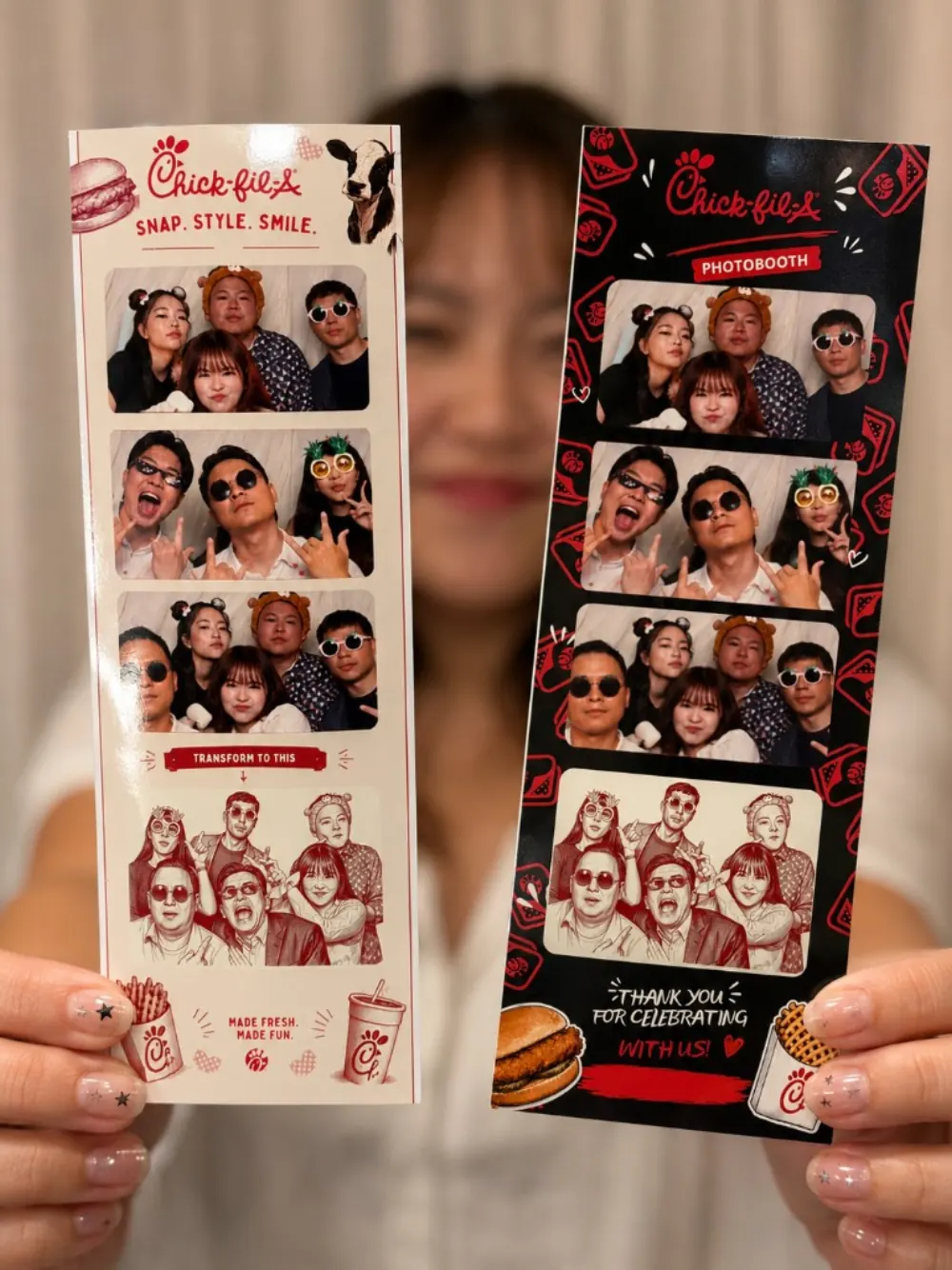
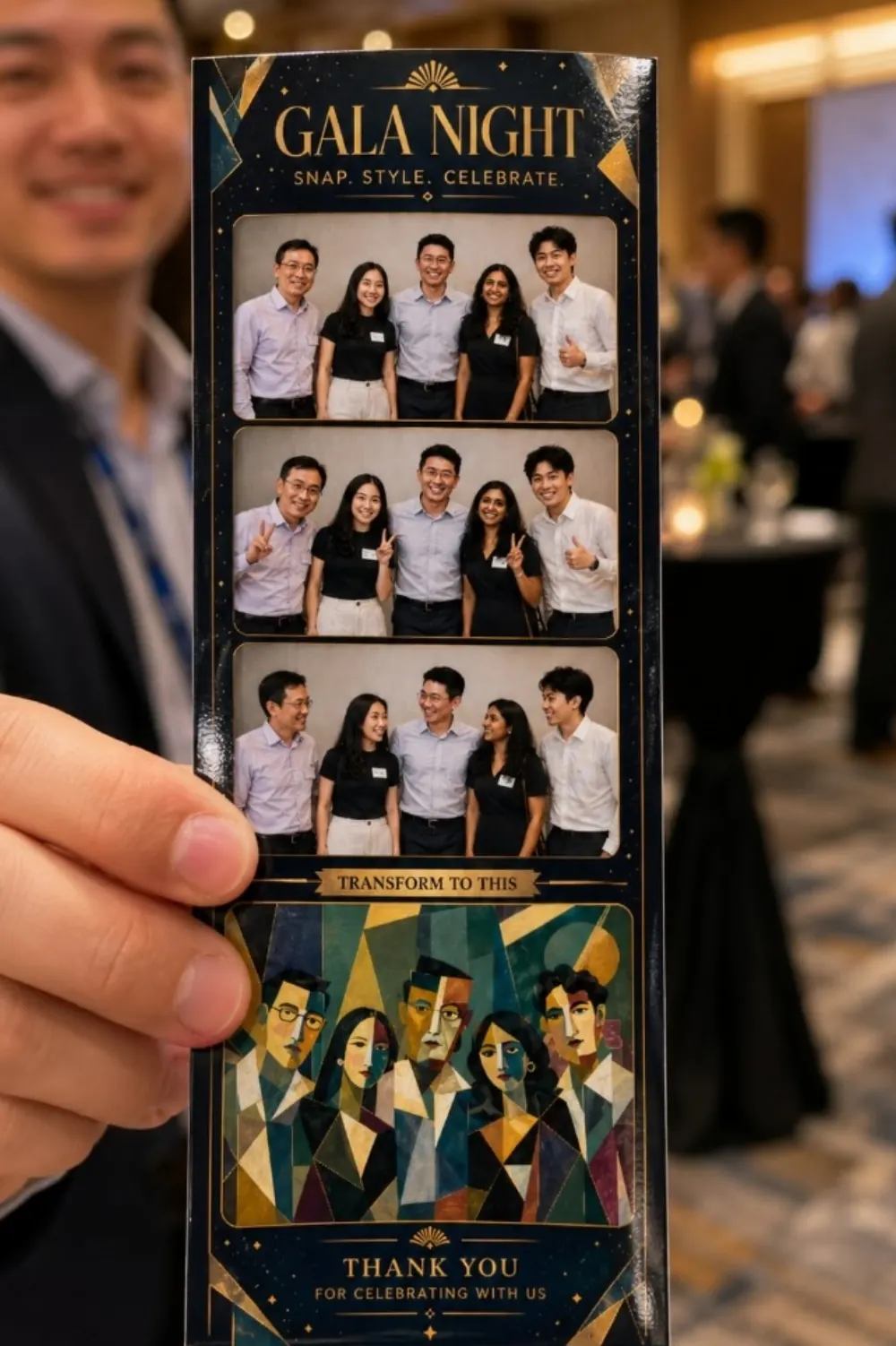
Guests choose an AI style on the touchscreen. The booth sends the photo through the Playing With Photo cloud, gets the restyled image back and sends it to the printer and the guest's phone. You decide which styles each event offers.
Pick a style to see the same group restyled. Every image here came out of the booth at a real event.
AI video clips of the same moment work on every plan, paid from your monthly AI credits.

Offline-first
The booth runs on your machine, not on a web page pointed at someone else's server. Capture, frames, filters and printing all work without internet. Only AI styles and QR downloads need a connection.
All services running.
Event console
Each event keeps its own branding, frames, styles and guest flow. On the day it takes four stops.
One tap loads that event's branding, templates and style list onto the booth.
Test the camera, make a test print and scan a ticket on a phone before doors open.
Full-screen guest booth on the touchscreen; a live wall of creations on the floor screen, or on any TV through the web on Pro and Agency.
Follow every session live, at the booth or from your phone on Pro and Agency. Reprint the exact number of sets, redo an AI look or retry one that failed.
White-label
Set frames, templates, colours and guest copy per event, from a corporate launch to a sweet sixteen. On Pro and Agency we can also take the Playing With Photo name off the guest screens: ask and we'll set it up with you.
Compare plans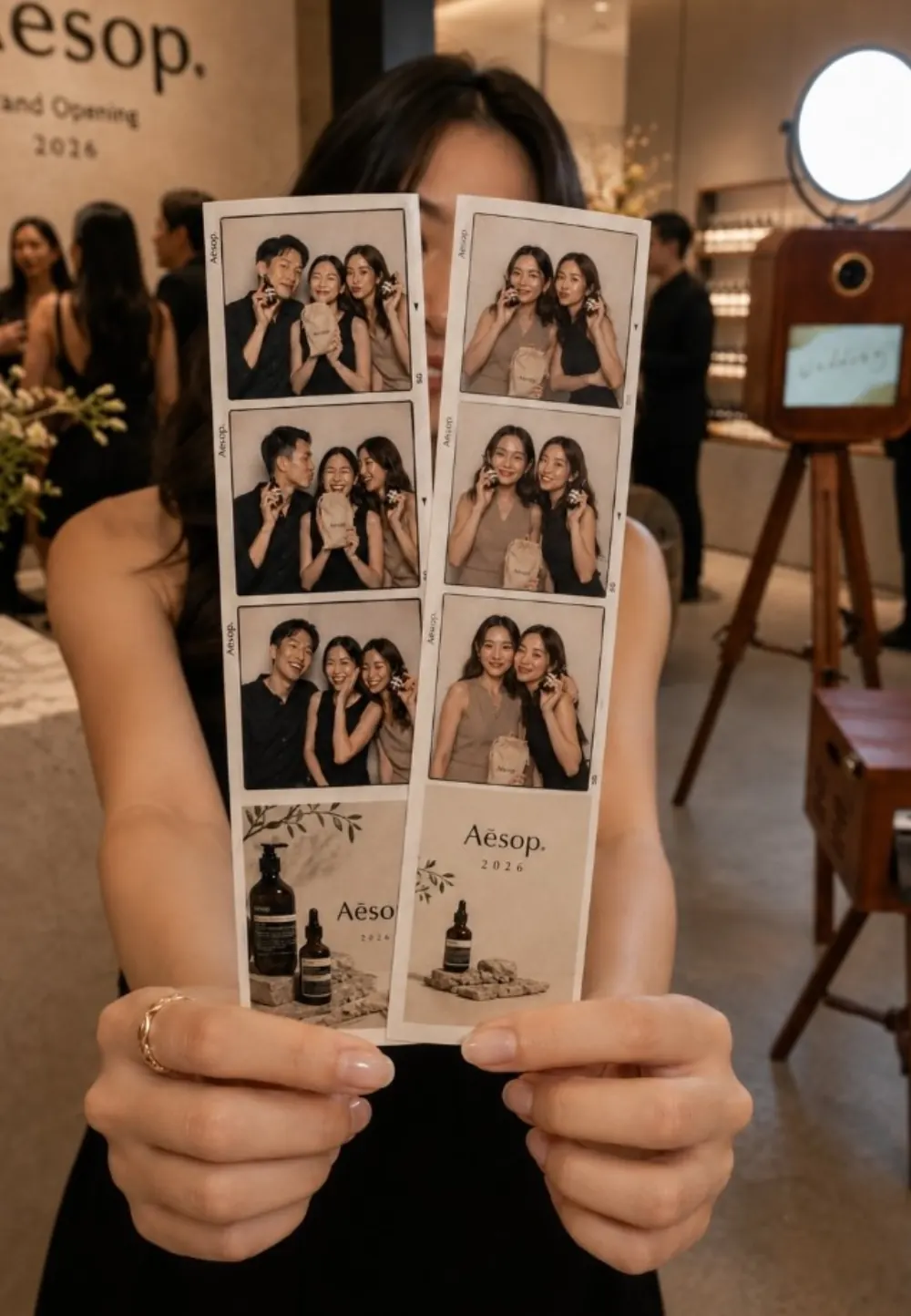
Hardware
Running different gear? Tell us in the demo form and we'll check it before you commit.
Plans
Every plan includes the full booth: capture, frames, filters, printing, QR tickets, the online guest gallery, the event console and offline mode. Plans differ in AI credits, booths and extras.
200 AI credits / month
1,500 AI credits / month
5,000 AI credits / month
15,000 AI credits / month
An AI photo uses 1 or 2 credits and a 5-second AI video about 13. Prices in Singapore dollars; yearly plans get two months free. No card needed to book a demo.

Meet the maker
Jeff built Playing With Photo to run his own rental booths at weddings, birthdays and corporate events in Singapore, and they still run on it. Features land here because a real event needed them, not because a roadmap said so.
Book a demo
Tell us about your booths. We'll walk you through the software live, check your camera and printer, and help you pick the plan that fits.
FAQ
Only for AI styles, AI video and QR downloads. Capture, frames, filters and printing run on the booth machine with no connection.
A Windows 10 or 11 PC, a Canon camera or webcam, a DNP dye-sub printer and a touchscreen. See supported hardware; if your kit differs, mention it in the demo form.
Yes. Frames, templates, colours and guest copy are set per event on every plan. On Pro and Agency we can also remove the Playing With Photo name from guest screens; ask and we'll set it up with you.
Basic is S$19 a month, Starter S$59, Pro S$149 and Agency S$399, in Singapore dollars (your card converts). Yearly plans get two months free, and extra booths are S$29 a month each. You can cancel any time.
Each plan includes AI credits every month: an AI photo uses 1 or 2, a 5-second AI video about 13, and failed ones cost nothing. If credits run out, the booth keeps printing guests' own photos, so the event never stops. Top up any time from S$20 for 500 credits; bought credits never expire.
About an hour the first time. A setup wizard walks you through sign-in, camera, printer and a test print, and eight short setup videos show every step. If you get stuck, Jeff helps you on WhatsApp.
No. That's our rental service in Singapore, at playingwithphoto.com. This page is for operators who want to run the software on their own booths.